The Setup
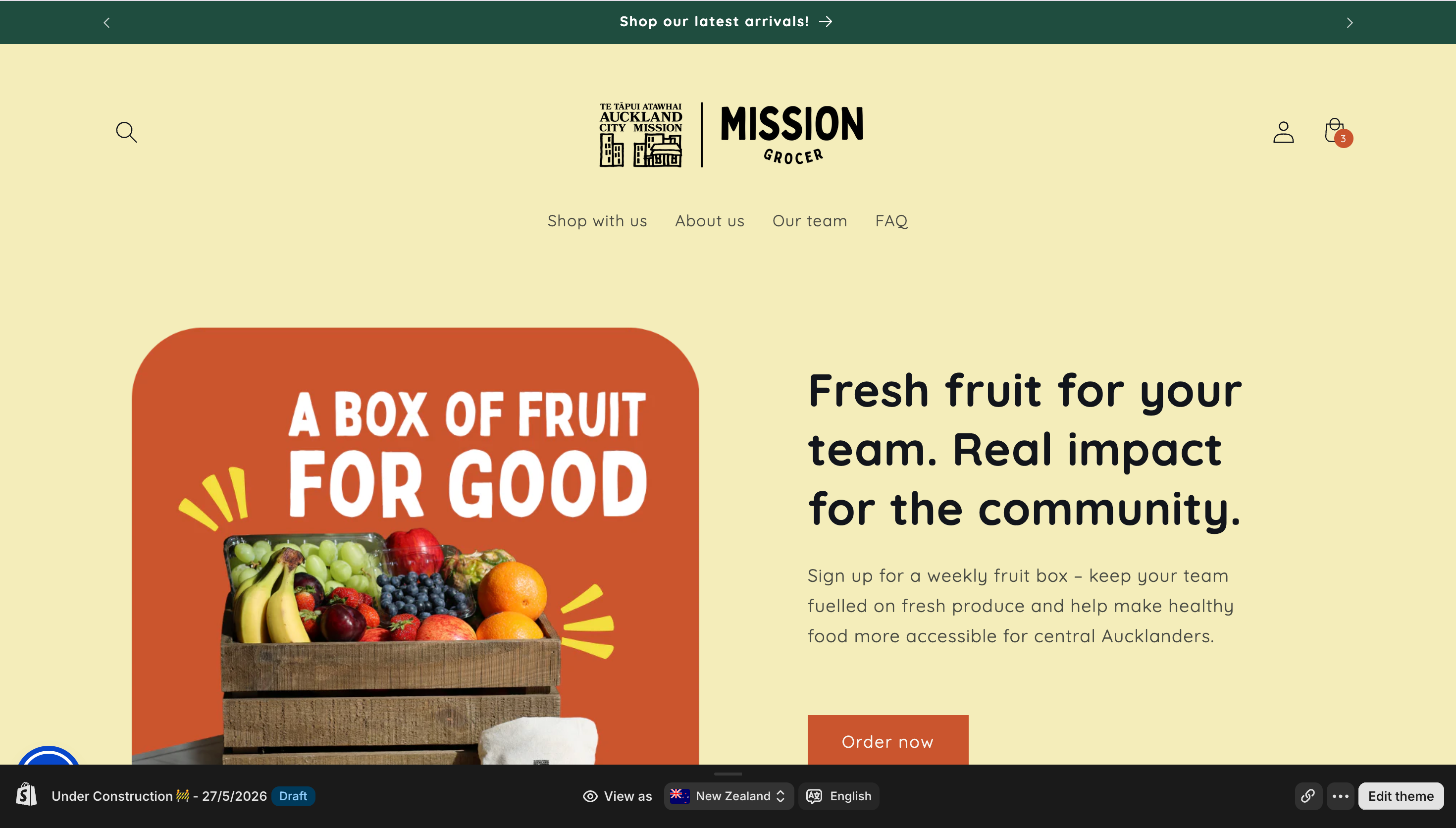
For the past two months I’ve volunteered as a developer for Mission Grocer, a non-profit that makes fresh, healthy food accessible to everyone. My main job is to build the storefront and help staff make better use of their Shopify Admin.
I hadn’t had any experience with Shopify or any templating language before (except for this blog), and I found it wasn’t an issue. Programming languages are similar enough, as long as you understand how a website works from top to bottom.
I used to think this experience would be just like one of my previous jobs, but it isn’t. Before this, I mostly worked with other developers and was mostly responsible for the front-end parts of a business. Now I’ve developed a comprehensive perspective on the whole business, and my role is kind of like a CTO (yes, I gave myself the title). This is something new after my years as a developer in big companies, and I really think it changes the way I work.
Now I’d like to share the things I’ve touched and found interesting or useful.
It Started with a Box of Strawberries
But first, how I got here, because it still feels like fate ✨. When I first arrived in Auckland, I passed by the Mission Grocer pop-up at Albert Park and bought a small box of kiwifruit 🥝 and strawberries 🍓. The prices were well below the supermarkets’, and I was curious about the reason, so I googled them and found out they were a charity. I read through their website and noticed some outdated information: it listed the opening days as Tuesday and Wednesday, but I’d walked in on a Thursday.
That felt like something I could help with. I’d done volunteer work a few times back home and admire what charities like theirs do, so I emailed them with my proposal. As someone new to the city, I also hoped it would be a way to make friends and feel more connected here. Two months later, here I am.
Build a Workflow You Can Trust
The first thing you need to figure out is an engineering workflow that can structure how you work with others. For a developer, that’s a Dev-Review-Release lifecycle, equipped with reliable rollback strategies to ensure zero production downtime.
Many small businesses use e-commerce platforms like Shopify. It’s important to integrate your workflow with them. Shopify has an online code editor, but you don’t want to crash the live site where everyone can see it, so a local environment is essential. To build an integrated business map, Shopify offers a Partner ecosystem and a kit of collaboration tools. The first one is a development tool called the Shopify CLI. You can use it to pull the codebase down to local, test locally with online store data, and push changes to the Online Store drafts.
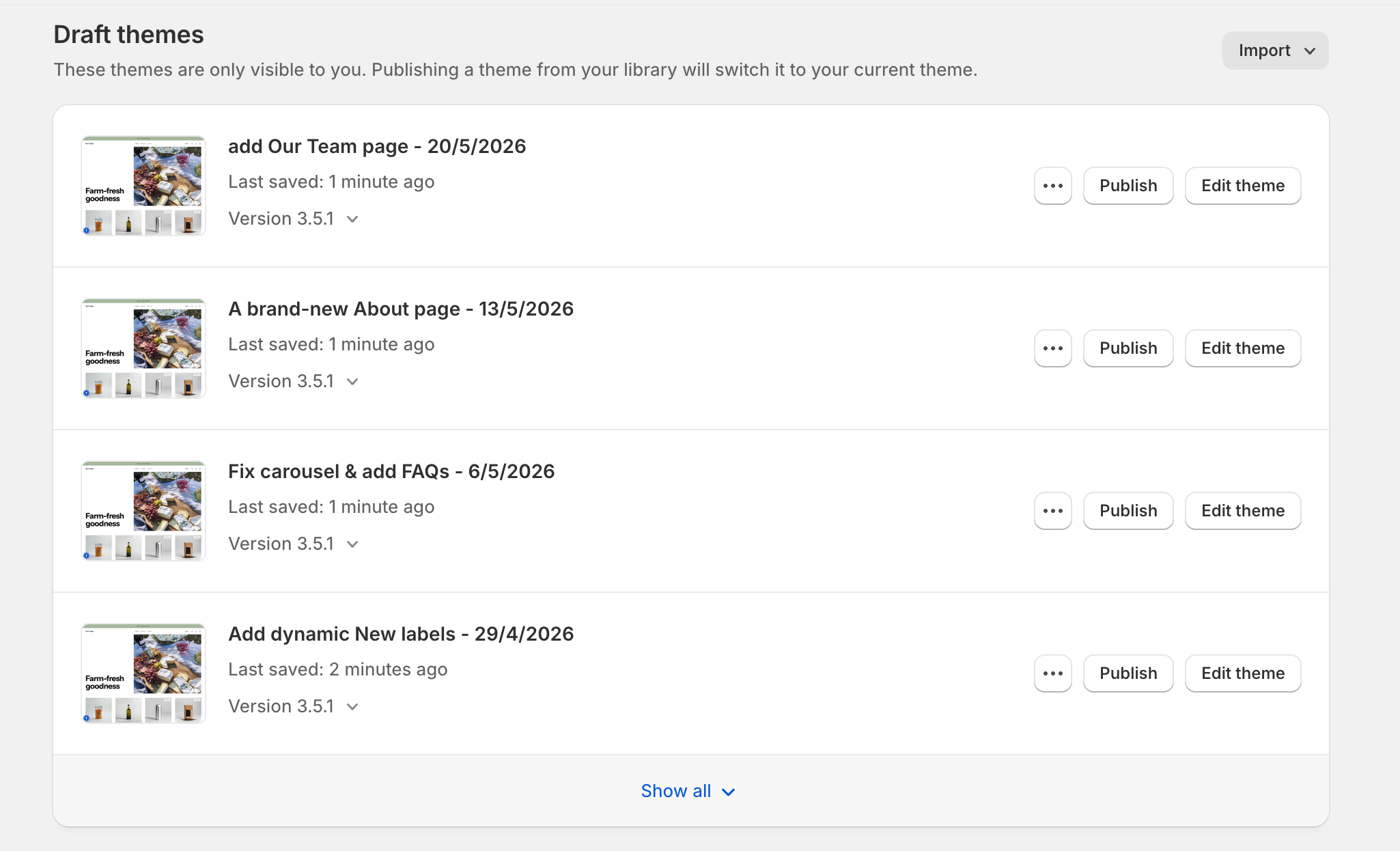
The whole workflow is this: you develop and test locally, and when it’s ready, you push to an Online Store draft. After others review it, you push it live. Keep the prior versions as drafts, so you can go back to them at any time.
Build It to Outlast You
A non-profit team may not always have someone in IT. So the main principle of development here is to make your work maintainable by people without a technical background. Put simply, the work you do should keep running after you leave, and staff should be able to maintain it without you.
Shopify themes are built in Liquid, its own templating language, and the platform is designed so that most of a page can be edited from a visual editor without touching the code. The trick is to write your code in a way that preserves that. So when you build something new, follow the platform’s conventions instead of working around them.
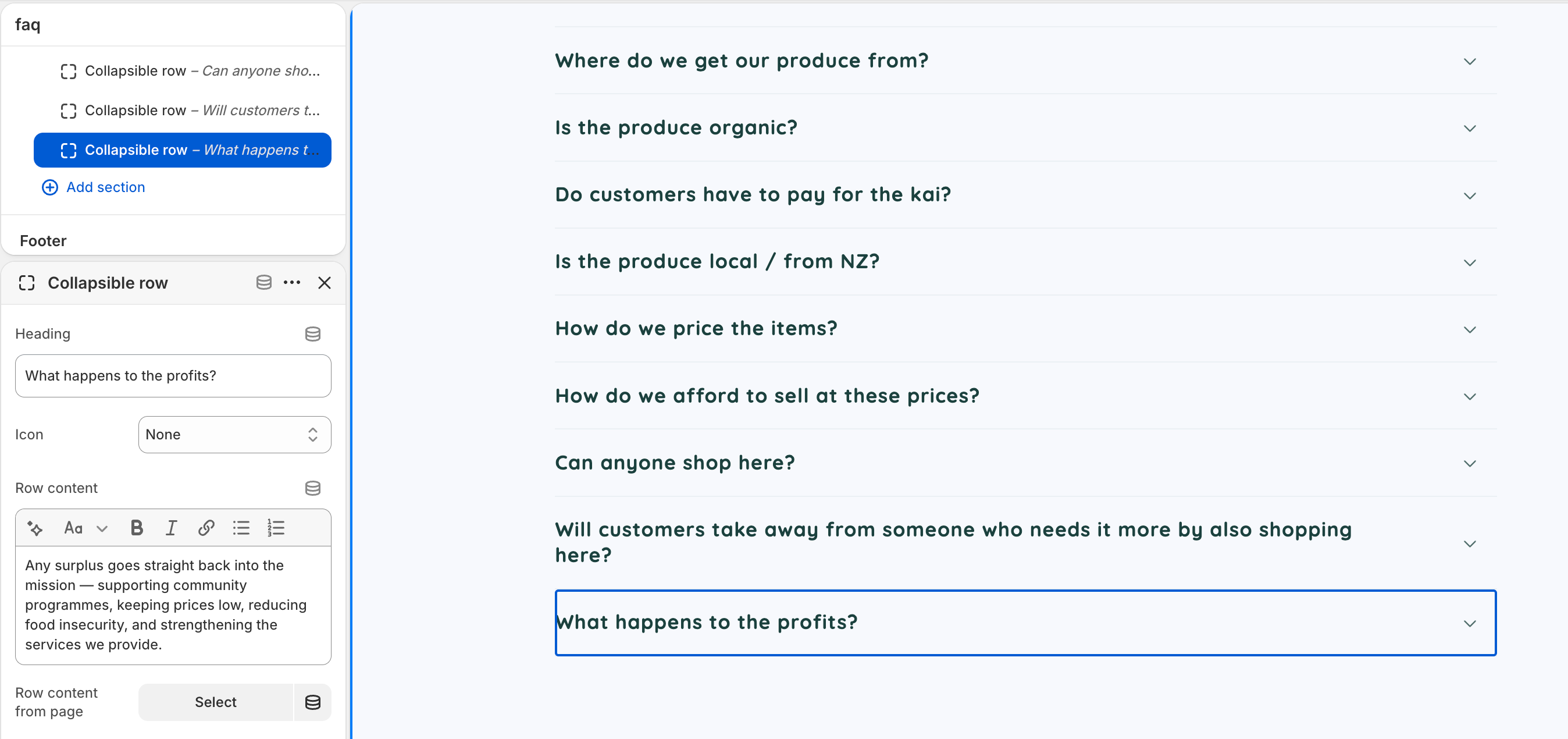
For example, when you create an FAQ page from scratch, don’t hardcode the content into the template. Expose every part of it in Shopify Admin (the questions, the answers, even the colours and fonts) so staff can change it from the settings panel alone. The rule of thumb: if a non-IT person might ever want to change it, make it configurable.
Yes, You Still Need Version Control
Even if you’re the only developer here, you still need to track every release and have a quick way to roll back. That’s what keeps your work reliable and safe.
Step 1: Keep Git and Shopify separate
To keep things as simple as possible, I started by running Git only on my local codebase, just to track my own changes. The Git side stays entirely with me. No premature optimisation needed.
Git tracks every change to the code on my machine. When a version is ready to release, I push it as a new theme to Shopify’s drafts list, which comes for free and doubles as the live version history.
The one thing that nagged at me was whether someone had changed the live version without me knowing. To stay safe, I pull the live version before I push my own, so I never overwrite a change I didn’t make. It works, but it leans on a lot of manual checking.
Step 2: Wire them together with the GitHub integration
After a while, I started building pages that invited others to take part, like the Our Team page. The team was editing content in Shopify’s theme editor (changing copy, swapping images, reordering sections) while I was pushing code. If I wasn’t careful, my next push could quietly stomp their edits, with no way to recover them.
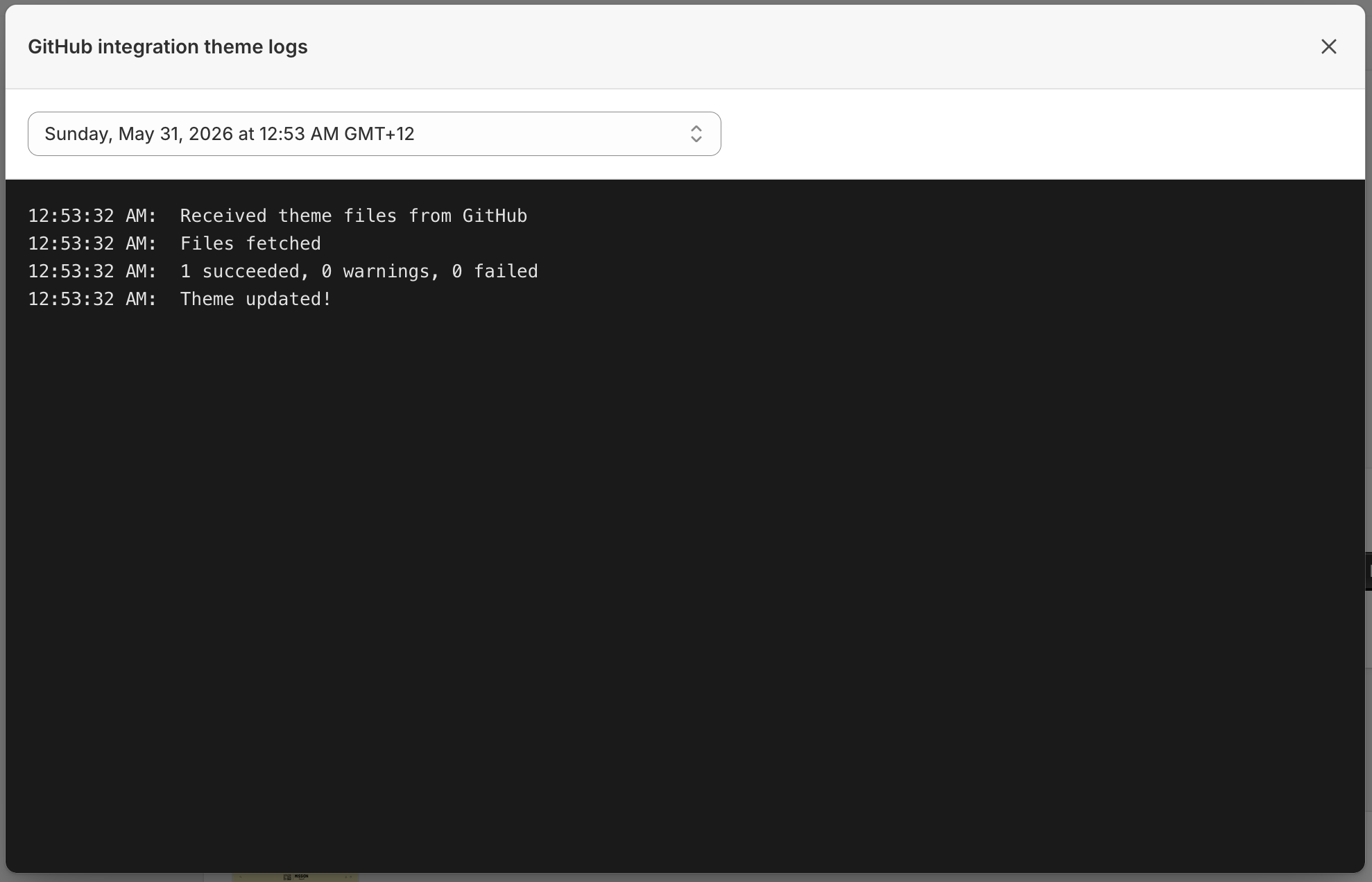
Shopify solves this with its own GitHub integration app. Once you connect a branch to a theme, the two stay in sync in both directions. Suddenly the version control practices from big companies just work here too: the main branch holds the released version, a branch per task, review before merge, and a clear history of who changed what.
The trade-off is complexity, which is a lot to hand to someone without an IT background. So if it’s only ever going to be you, stick with Step 1. Reach for the integration only once content edits and your code changes start colliding.
You’re Not Just the Dev
Some people think there’s little a developer can do when the organisation is running on an e-commerce platform like Shopify. You can’t touch the back end, and the front end is built with a visual page builder. I thought the same at first, and assumed the job would simply be maintaining the site, updating copy, and fixing bugs.
Two months later I’ve done far more than I expected, because the more I learn about the organisation, the more I find worth doing. The work starts on the IT side, but it doesn’t end there.
In my last job, my superior always asked me to make the front-end plans for the whole team. It’s not easy to think through what the team will do three or six months out, so I talked to the Product Managers regularly. They led the way.
But here, no one leads the way for you. Before I joined, the team had no plan for the website; they focused on the physical store and offline marketing, with little experience in online promotion. So now it’s on me to spot the needs and act on them, doing the marketing, the product, the development, and the planning myself, all through IT. Sometimes the project manager is surprised by how much the website can do for them. Turns out I’m not over-qualified for this job. I’m exactly where I can do the most.
I’ll explain the details in the next part.
Turns Out, There’s Plenty to Do
As the only IT role, you need to think outside the box. Don’t focus solely on the website pages and bugs. Research what customers want and what the team needs, then focus on what you can do about it.
Here’s what I’ve done or am doing now.
Community Trust
Trust matters more for a non-profit than for almost any other kind of business, because people need to believe in who you are before they give their time or money. A lot of that trust can be built on the website. A clear FAQ page, an About Us page, and a Meet the Team page all tell visitors who’s behind the organisation and what it stands for. Each one quietly answers a question people would otherwise have to email and ask, and helps a first-time visitor understand the organisation in a minute. (There is actually one problem here. When I searched the organisation online, I found a post from seven months ago on Reddit: ‘I walked passed there and I was kind of unclear if I would be supporting the Mission by buying from there or if I would be taking advantage of something for someone in need.’ That’s exactly the kind of question the website now answers.)
Accessibility belongs here too. Adding a11y support isn’t just a technical box to tick; it shows empathy for every kind of visitor and signals that the organisation cares about including everyone.
The Marketing
The team often attends markets and food festivals. At their booth, they hand out flyers and explain who they are to whoever stops by. It works, but it’s slow and easy to lose track of. A single QR code of a marketing page can fold the whole thing into one flow: introduce the organisation, sign people up, and let them shop online, all from one scan. It also brings a higher conversion rate than the traditional flyer.
There’s plenty more to connect up from here, like wiring Instagram through to Shopify so social posts become shoppable, and tightening the site’s SEO so people can actually find the website in the first place.
Summary
A developer builds things well. A CTO decides what’s worth building and keeps it pointed where the business is going. That shift in perspective is the best part of volunteering. So don’t box yourself into one role: step out, act like an owner, and you’ll find there’s far more you can do.
Finally, if you’re in Auckland, drop in at HomeGround or Albert Park to say hi, and keep an eye out for us at the Auckland Food Show in July.