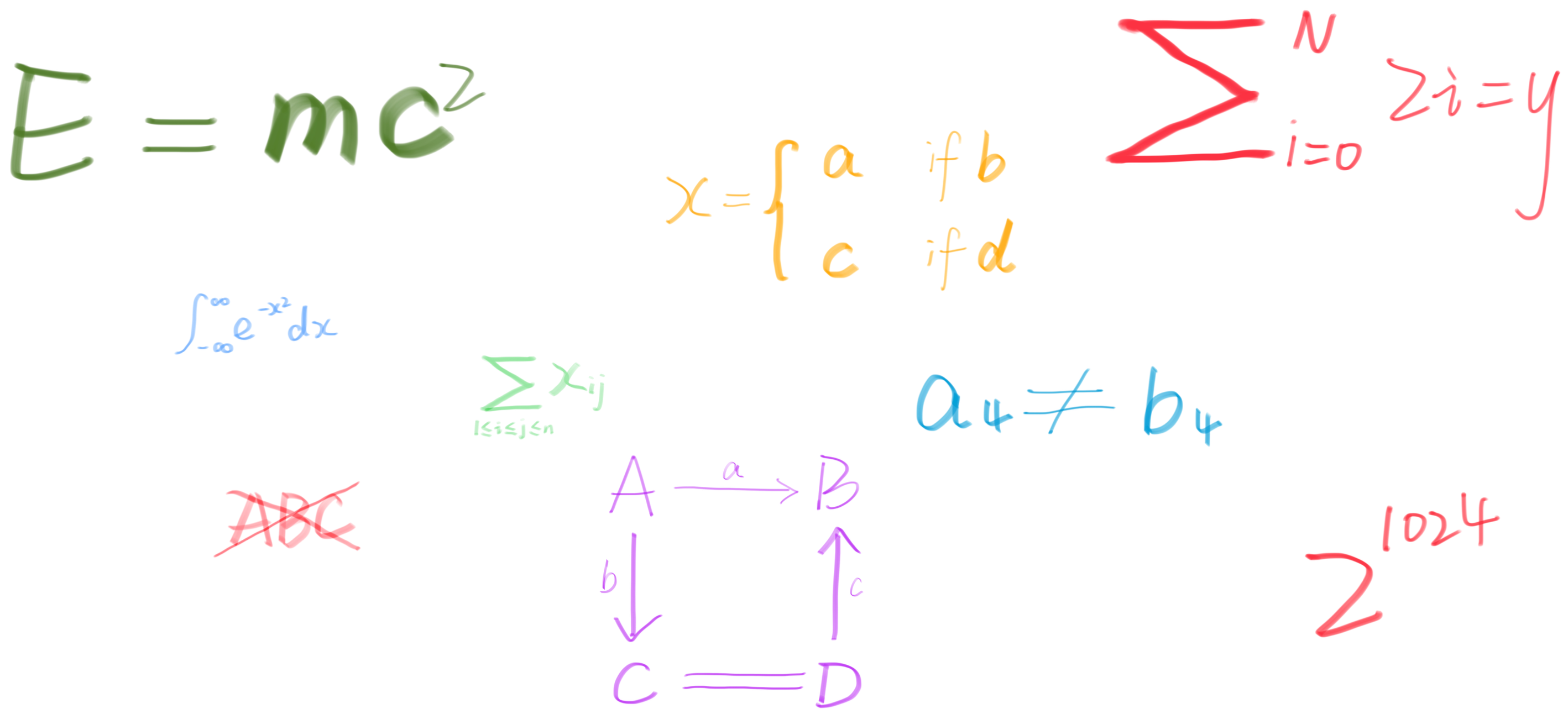
Hugo supports LaTeX math rendering via third-party JavaScript libraries, with MathJax and KaTeX being the two most popular options. This guide uses KaTeX for its speed and lightweight design.
The implementation is simple: include the library in the <head> section. However, to optimize performance, we’ll load it conditionally—only on pages that actually need it.
$$ \color{#c7c3c3} { \begin{pmatrix} 1 & 2 \\ 3 & 4 \end{pmatrix} } $$
1. Create a Partial for KaTeX Assets
Create a new file at /layouts/partials/helpers/math.html and add the following:
<!-- KaTeX requires the use of the HTML5 doctype. Without it, KaTeX may not render properly -->
<link
  rel="stylesheet"
  href="https://cdn.jsdelivr.net/npm/katex@0.16.27/dist/katex.min.css"
/>
<!-- The loading of KaTeX is deferred to speed up page rendering -->
<script
  defer
  src="https://cdn.jsdelivr.net/npm/katex@0.16.27/dist/katex.min.js"
></script>
<!-- To automatically render math in text elements, include the auto-render extension: -->
<script
  defer
  src="https://cdn.jsdelivr.net/npm/katex@0.16.27/dist/contrib/auto-render.min.js"
  onload="renderMathInElement(document.body);"
></script>
⚠️ Version note: The example uses KaTeX v0.16, the latest at the time of writing. Check the official documentation for updates.
2. Include the partial in your templates
In PaperMod, you can inject assets via /layouts/partials/extend_head.html. Contents of extend_head.html will be added to <head> of page.
<!-- Add the following to load KaTeX only when necessary -->
{{ if .Params.math }} {{ partial "helpers/math.html" . }} {{ end }}
⚠️ Hugo Theme: If you’re using a different Hugo theme, you may need to check its documentation as the setup may vary.
(Optional) By the way, if you want to enable KaTex globally, change the condition to
{{ if or .Params.math .Site.Params.math }}and set the parametermathtotruein a project’s configuration
3. Enable Math in Content
Add the math parameter to the front matter of any post or page requiring LaTeX rendering.
---
title: 'My Post with Math'
math: true
---
4. Enable Inline Math
By default, KaTeX’s auto-render extension does not process $...$ delimiters. To enable inline math, you need to configure the delimiters when calling renderMathInElement() - setting display to false ensures inline rendering.
Extend the configuration in your math.html partial:
<script>
  document.addEventListener('DOMContentLoaded', function () {
    renderMathInElement(document.body, {
      delimiters: [
        { left: '$$', right: '$$', display: true },
        { left: '$', right: '$', display: false },
      ],
    })
  })
</script>
⚠️ Order matters: Place the $ rule after $$ (rules are processed sequentially; placing $ first would incorrectly match $$ as an empty expression).
Now you’re all set 🎉 ! Use $$...$$ for block math and $...$ for inline math in your Hugo posts.
$E = mc^2$→ $E = mc^2$$\int_{-\infty}^{\infty} e^{-x^2} \, dx = \sqrt{\pi}$→ $\int_{-\infty}^{\infty} e^{-x^2} , dx = \sqrt{\pi}$$$\underbrace{a}\_{b} - \underbrace{c}_{d}$$→ $$\underbrace{a}_{b} - \underbrace{c}_{d}$$$$\color{orange}{\oint_C f(z) \, dz = 2\pi i \sum_{k=1}^n \text{Res}(f, z_k)}$$→ $$\color{orange}{\oint_C f(z) , dz = 2\pi i \sum_{k=1}^n \text{Res}(f, z_k)}$$
Have fun!