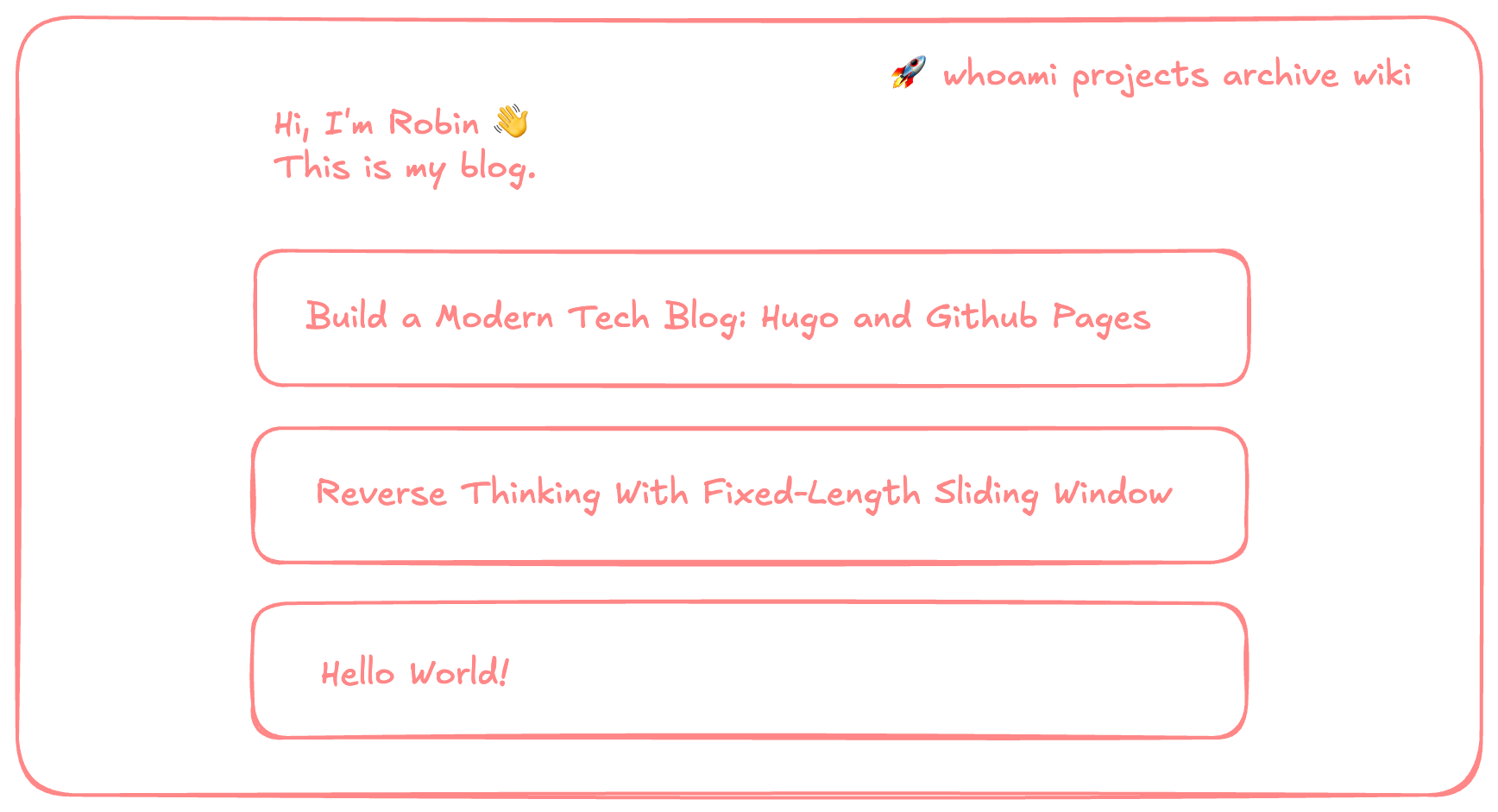
This blog you’re reading is a Hugo site, hosted free on GitHub Pages and rebuilt automatically on every push to main. No servers, no rsync scripts, no monthly cost. Just git push and the update is live ✨.
Below is the full setup, from hugo new site to a working CI/CD pipeline.
📋 Prerequisites
You’ll need:
- A GitHub account
- Git installed locally
- Hugo installed (see the official guide).
- A terminal
🚀 1. Create a new Hugo site
Follow Hugo’s official quick start, or run the following from your projects directory:
hugo new project my-blog --format yaml
cd my-blog
git init
Hugo defaults to TOML; I pass --format yaml so the config matches frontmatter and CI workflows. If you’d rather use TOML, drop the flag and rename hugo.yaml to hugo.toml below.
The generated layout:
my-blog/
├── archetypes/   # post templates (the boilerplate `hugo new` uses)
├── assets/       # SCSS, JS, images that need processing
├── content/      # your posts and pages live here
├── data/         # structured data files (YAML, JSON, TOML)
├── layouts/      # custom HTML overrides for the theme
├── static/       # files copied as-is to the site root
├── themes/       # themes (we'll add one in a sec)
└── hugo.yaml     # site config
Only content/ and hugo.yaml matter on day one.
🎨 2. Add a theme as a Git submodule
Hugo doesn’t ship a default theme. Pick one from themes.gohugo.io. I use PaperMod: clean, fast, dark mode, with built-in search, archives, and tag pages.
Install it as a Git submodule so the GitHub Actions workflow can check it out automatically without committing a copy into the repo:
git submodule add https://github.com/adityatelange/hugo-PaperMod themes/PaperModThis creates a .gitmodules file at the repo root:
[submodule "themes/PaperMod"]
	path = themes/PaperMod
	url = https://github.com/adityatelange/hugo-PaperMod
Wire the theme into hugo.yaml with a minimal config:
echo "theme: 'PaperMod'" >> hugo.yamlSpin up the local dev server:
hugo server -DOpen http://localhost:1313 for an empty PaperMod-styled site. The -D flag includes drafts, handy since every new post starts as one.
PaperMod has many optional features (menus, Fuse.js search, code copy buttons, breadcrumbs, edit-on-GitHub links). The PaperMod wiki covers them all. The one line above is enough to ship for now.
✍️ 3. Write your first post
Scaffold a new post:
hugo new content content/posts/hello-world.mdcontent/posts/hello-world.md looks like:
---
date: '2026-05-04T18:50:19+08:00'
draft: true
title: 'Hello World'
---
That comes from archetypes/default.md, Hugo’s template for new posts:
dateauto-fills with the current timestampdraft: trueexcludes the post from production builds. Flip tofalseto publish, or pass-Dtohugo serverto preview locally.titleauto-derives from the filename
Add your content below the closing ---:
---
date: '2026-05-04T18:50:19+08:00'
draft: false
title: 'Hello World'
tags: ['meta']
categories: ['Notes']
---

Hello! This is my first Hugo post.
tags and categories are standard Hugo taxonomies. PaperMod auto-generates listing pages for each.
📦 4. Push to GitHub
Follow https://docs.github.com/en/pages/quickstart. Create a new public repo on GitHub. Naming it <your-username>.github.io lets Pages serve it at https://<your-username>.github.io/ with no extra config.
Add a .gitignore so Hugo’s build output and macOS metadata stay out of Git:
# ignore all .DS_Store files
.DS_Store
**/.DS_Store

public/
public/ is Hugo’s build output. We don’t commit it; GitHub Actions rebuilds it on every deploy.
Push:
git add .
git commit -m "Initial blog setup"
git branch -M main
git remote add origin https://github.com/<your-username>/<repo-name>.git
git push -u origin main
⚙️ 5. Enable GitHub Pages
In the GitHub repo, go to Settings → Pages. Under Build and deployment → Source, select GitHub Actions.
This tells GitHub to expect deployments from a workflow rather than a gh-pages branch. With it set, actions/deploy-pages (used below) can publish via OIDC trusted publishing.
🔧 6. Add the CI/CD workflow
Create .github/workflows/hugo.yaml. This is the actual workflow this blog uses. Paste it verbatim, then read the walkthrough:
name: Build and deploy
on:
  push:
    branches:
      - main
  workflow_dispatch:
permissions:
  contents: read
  pages: write
  id-token: write
concurrency:
  group: pages
  cancel-in-progress: false
defaults:
  run:
    shell: bash
jobs:
  build:
    runs-on: ubuntu-latest
    env:
      DART_SASS_VERSION: 1.99.0
      GO_VERSION: 1.26.2
      HUGO_VERSION: 0.161.1
      NODE_VERSION: 24.15.0
      TZ: Europe/Oslo
    steps:
      - name: Checkout
        uses: actions/checkout@v6
        with:
          submodules: recursive
          fetch-depth: 0
      - name: Setup Go
        uses: actions/setup-go@v6
        with:
          go-version: ${{ env.GO_VERSION }}
          cache: false
      - name: Setup Node.js
        uses: actions/setup-node@v6
        with:
          node-version: ${{ env.NODE_VERSION }}
      - name: Setup Pages
        id: pages
        uses: actions/configure-pages@v6
      - name: Create directory for user-specific executable files
        run: |
          mkdir -p "${HOME}/.local"
      - name: Install Dart Sass
        run: |
          curl -sLJO "https://github.com/sass/dart-sass/releases/download/${DART_SASS_VERSION}/dart-sass-${DART_SASS_VERSION}-linux-x64.tar.gz"
          tar -C "${HOME}/.local" -xf "dart-sass-${DART_SASS_VERSION}-linux-x64.tar.gz"
          rm "dart-sass-${DART_SASS_VERSION}-linux-x64.tar.gz"
          echo "${HOME}/.local/dart-sass" >> "${GITHUB_PATH}"
      - name: Install Hugo
        run: |
          curl -sLJO "https://github.com/gohugoio/hugo/releases/download/v${HUGO_VERSION}/hugo_extended_${HUGO_VERSION}_linux-amd64.tar.gz"
          mkdir "${HOME}/.local/hugo"
          tar -C "${HOME}/.local/hugo" -xf "hugo_extended_${HUGO_VERSION}_linux-amd64.tar.gz"
          rm "hugo_extended_${HUGO_VERSION}_linux-amd64.tar.gz"
          echo "${HOME}/.local/hugo" >> "${GITHUB_PATH}"
      - name: Verify installations
        run: |
          echo "Dart Sass: $(sass --version)"
          echo "Go: $(go version)"
          echo "Hugo: $(hugo version)"
          echo "Node.js: $(node --version)"
      - name: Install Node.js dependencies
        run: |
          [[ -f package-lock.json || -f npm-shrinkwrap.json ]] && npm ci || true
      - name: Configure Git
        run: |
          git config core.quotepath false
      - name: Cache restore
        id: cache-restore
        uses: actions/cache/restore@v5
        with:
          path: ${{ runner.temp }}/hugo_cache
          key: hugo-${{ github.run_id }}
          restore-keys: hugo-
      - name: Build the site
        run: |
          hugo build \
            --gc \
            --minify \
            --baseURL "${{ steps.pages.outputs.base_url }}/" \
            --cacheDir "${{ runner.temp }}/hugo_cache"
      - name: Cache save
        id: cache-save
        uses: actions/cache/save@v5
        with:
          path: ${{ runner.temp }}/hugo_cache
          key: ${{ steps.cache-restore.outputs.cache-primary-key }}
      - name: Upload artifact
        uses: actions/upload-pages-artifact@v5
        with:
          path: ./public
  deploy:
    environment:
      name: github-pages
      url: ${{ steps.deployment.outputs.page_url }}
    runs-on: ubuntu-latest
    needs: build
    steps:
      - name: Deploy to GitHub Pages
        id: deployment
        uses: actions/deploy-pages@v5
Triggers. Runs on every push to main. workflow_dispatch adds a manual rebuild button in the Actions tab, useful for redeploying without a code change.
Permissions. pages: write and id-token: write enable OIDC trusted publishing, which is what lets actions/deploy-pages@v5 publish without a PAT. contents: read is least-privilege; the workflow only reads the repo.
Concurrency. cancel-in-progress: false queues a second push behind the first instead of cancelling it. Cancelling a half-done Pages deploy can leave the site in a weird state.
Pinned versions. HUGO_VERSION: 0.161.1, NODE_VERSION: 24.15.0, etc. are pinned deliberately. Don’t use “latest” aliases. Hugo occasionally renames CLI flags between minor versions, and a passing build today could break next week.
Submodule checkout. submodules: recursive fetches PaperMod at build time. Without it, the build fails because theme: 'PaperMod' points to an empty directory.
Dart Sass + Node. Kept around for themes that compile SCSS or run JS at build time. PaperMod ships plain CSS and needs neither, so you can drop both if you stick with it.
Hugo install. I download the binary from GitHub releases instead of using a marketplace action. Fewer moving parts, no third-party action to audit, and the version is exactly what I asked for.
--baseURL magic. actions/configure-pages@v6 exposes the deployment URL, and Hugo bakes it into generated links.
Two-job split. build produces an artifact; deploy is a separate job that depends on it. This is the pattern GitHub Pages docs recommend. It isolates deploy permissions and makes failures easier to debug.
🎬 7. Push and watch it deploy
Commit and push:
git add .github/workflows/hugo.yaml
git commit -m "ci: add Hugo build and deploy workflow"
git push
Open the Actions tab. “Build and deploy” runs build (~40 seconds), then deploy (~20 seconds). When both go green, the site is live at the URL in the deploy logs (also under Settings → Pages).
From now on, every push to main redeploys. The full publishing loop is three commands:
hugo new posts/my-next-idea.md
# write it, set draft: false
git add . && git commit -m "post: my next idea" && git push
🎉 Wrapping up
You now have:
- ✅ A Hugo blog with a real theme, served free on GitHub Pages
- ✅ A CI/CD pipeline that rebuilds and redeploys on every push, in under a couple of minutes
- ✅ Zero servers, zero secrets, zero monthly cost
The full source for this blog is at github.com/yrbing/yrbing.github.io. Fork it, borrow the workflow, adapt the config. If something breaks, the Actions log usually shows exactly where.
Happy publishing. 🚀